
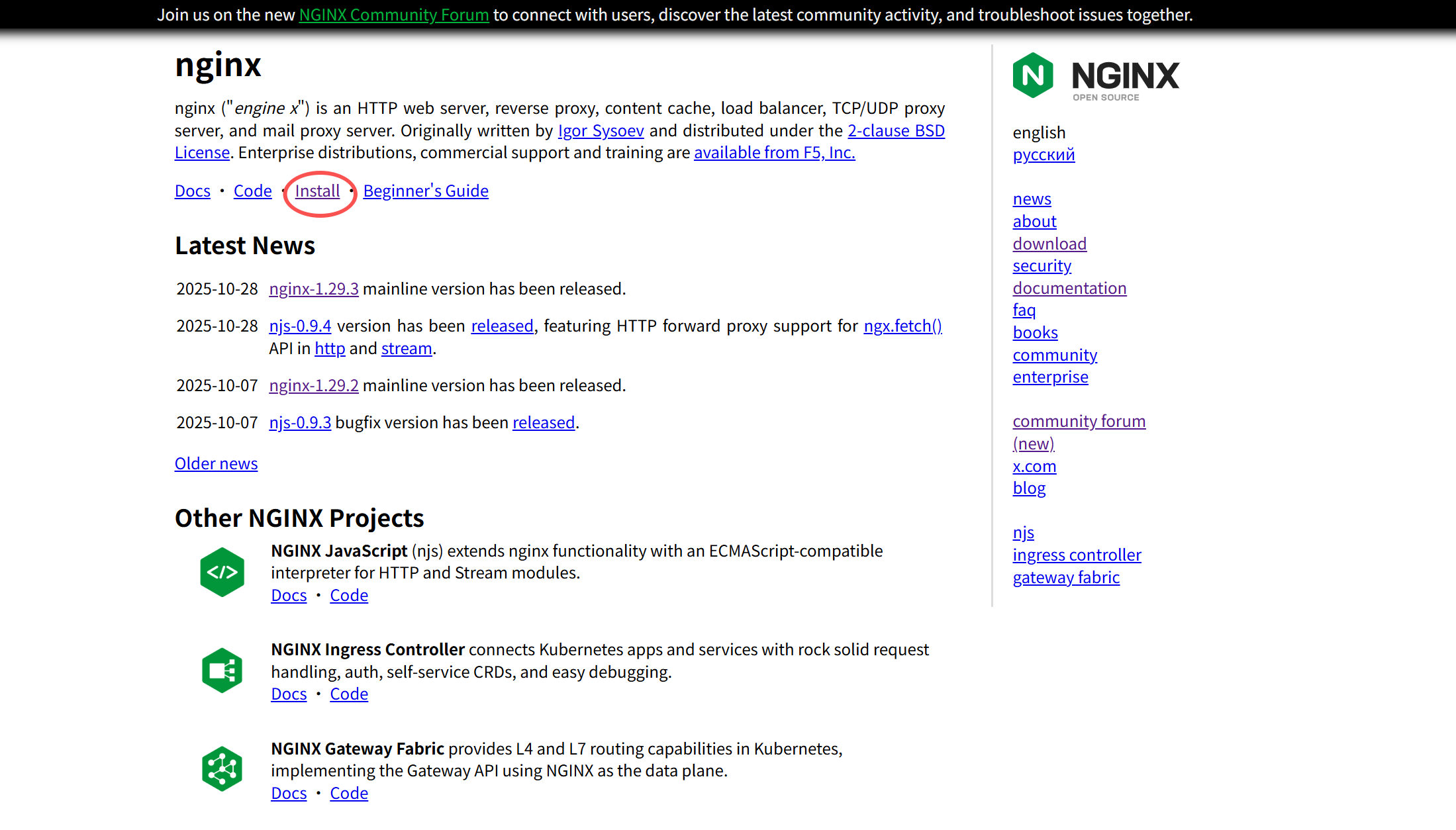
下载源
1.配置nginx下载源
Centos7
cat > /etc/yum.repos.d/nginx.repo << EOF
[nginx]
name=nginx repo
baseurl=http://nginx.org/packages/centos/7/\$basearch/
gpgcheck=0
enabled=1
EOF
RHEL 及其衍生品
本节适用于 Red Hat Enterprise Linux 及其衍生产品,例如 CentOS、Oracle Linux、Rocky Linux、AlmaLinux。
cat > /etc/yum.repos.d/nginx.repo << EOF
[nginx-stable]
name=nginx stable repo
baseurl=http://nginx.org/packages/centos/$releasever/$basearch/
gpgcheck=1
enabled=1
gpgkey=https://nginx.org/keys/nginx_signing.key
module_hotfixes=true

[nginx-mainline]
name=nginx mainline repo
baseurl=http://nginx.org/packages/mainline/centos/$releasever/$basearch/
gpgcheck=1
enabled=0
gpgkey=https://nginx.org/keys/nginx_signing.key
module_hotfixes=true
EOF
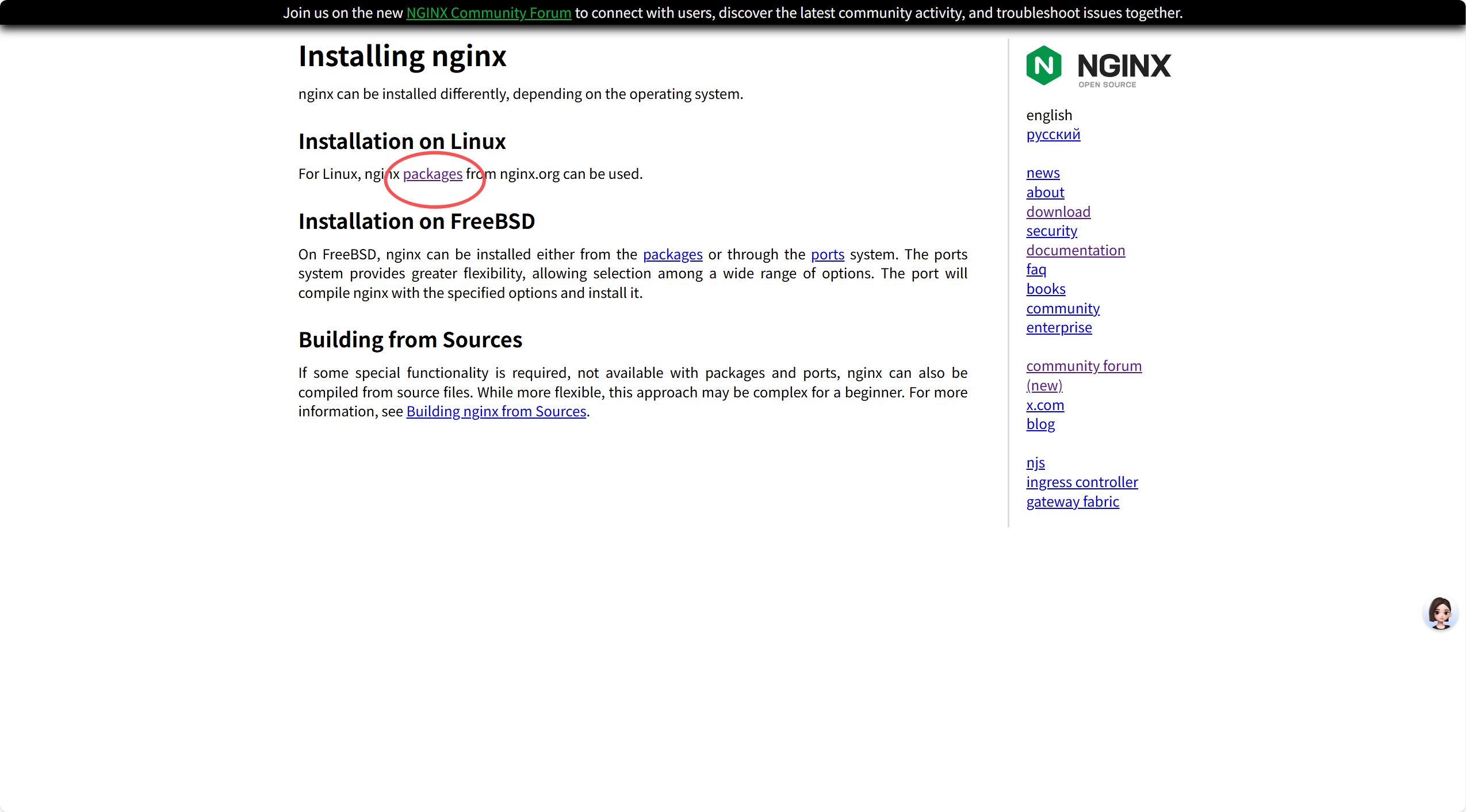
其他的找nginx官网

2.epel 拓展源
#centos7
cat > /etc/yum.repos.d/epel.repo << EFO
[epel]
name=epel
baseurl=http://mirrors.huaweicloud.com/epel/7/x86_64/
gpgcheck=0
enabled=1
EFO
#rocky9
cat > /etc/yum.repos.d/epel.repo << EOF
[epel]
name=Extra Packages for Enterprise Linux 9 - \$basearch
baseurl=http://mirrors.huaweicloud.com/epel/9/Everything/\$basearch
gpgcheck=1
enabled=1
gpgkey=https://mirrors.huaweicloud.com/epel/RPM-GPG-KEY-EPEL-9
EOF3.下载源
cat > /etc/yum.repos.d/aliyun.repo << EOF
[BaseOS]
name=BaseOS
baseurl=https://mirrors.aliyun.com/rockylinux/9/BaseOS/x86_64/os
enabled=1
gpgcheck=0

[AppStream]
name=AppStream
baseurl=https://mirrors.aliyun.com/rockylinux/9/AppStream/x86_64/os
enabled=1
gpgcheck=0

[epel]
name=epel
baseurl=https://mirrors.aliyun.com/epel/9/Everything/x86_64
enabled=1
gpgcheck=0
EOF 评论
匿名评论
隐私政策
你无需删除空行,直接评论以获取最佳展示效果
